

How to Print Punjab Government e-Stamp Paper
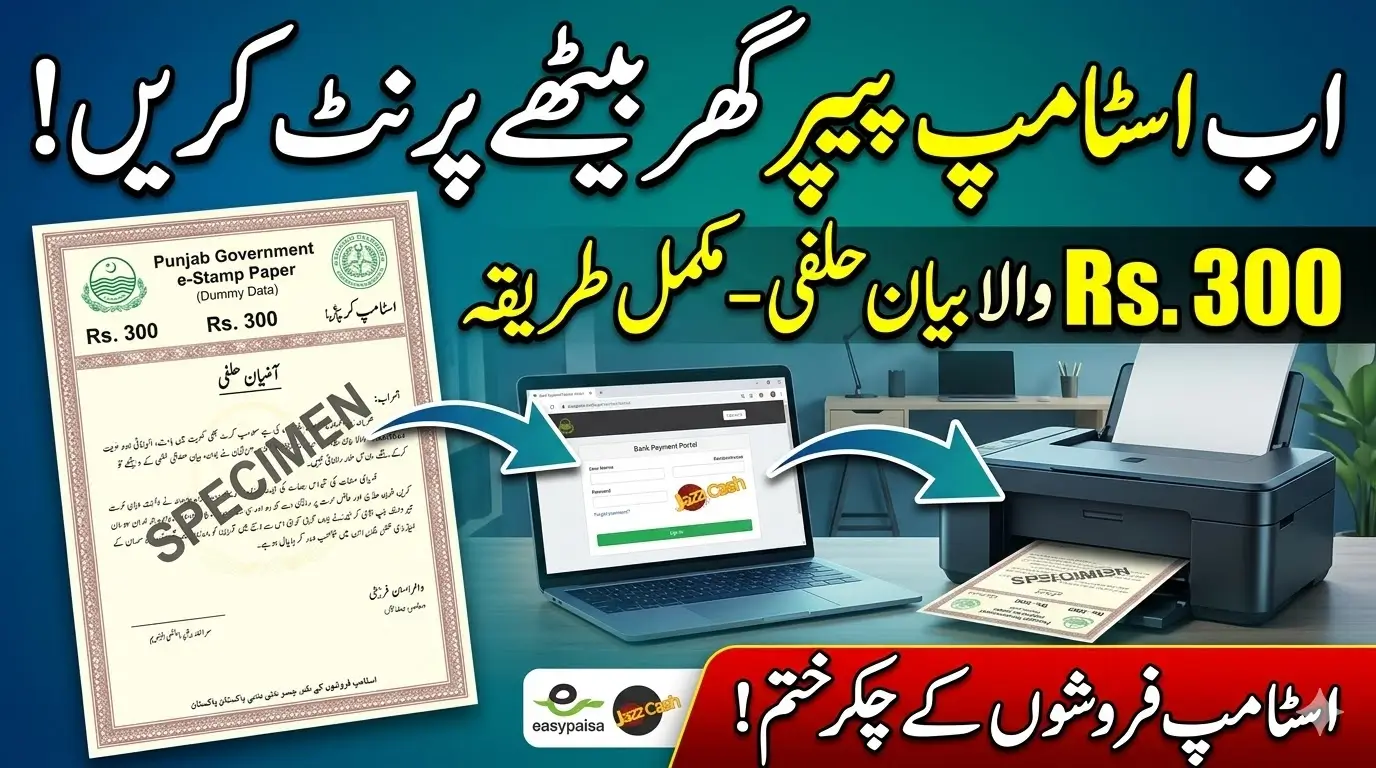
Getting a Punjab Government e-Stamp Paper for an affidavit used to require visiting stamp vendors or government offices. Today, the process is much simpler and more convenient. The Punjab government has introduced an online e-stamping system that allows citizens to generate and print stamp papers from their home or office.
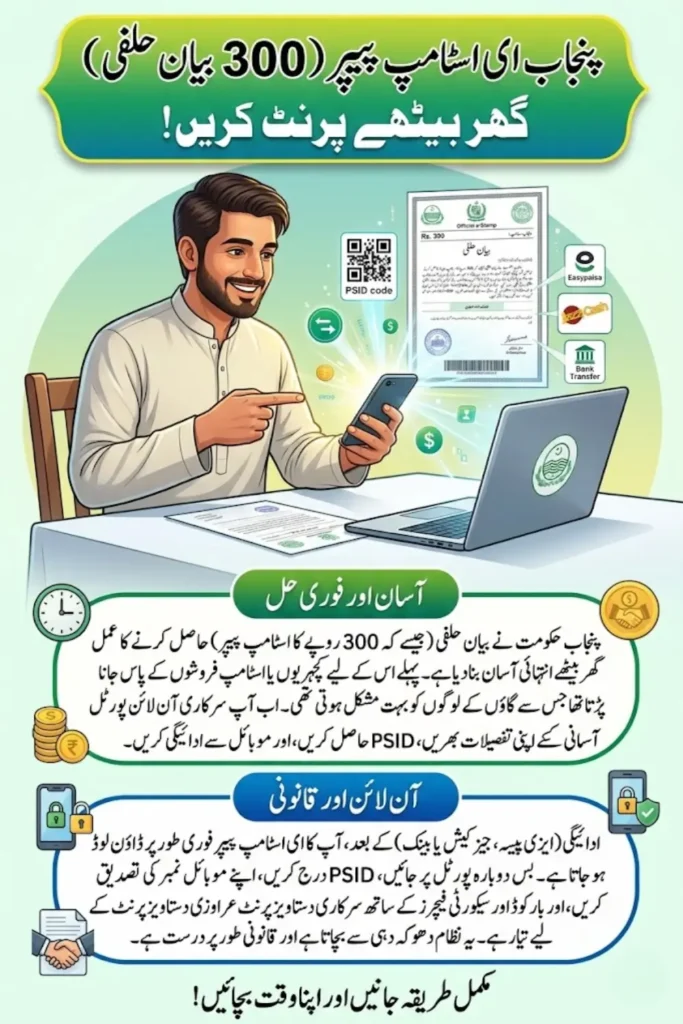
With just a few simple steps, you can create a Punjab Government e-Stamp Paper for a Rs. 300 affidavit using the official online portal. The process includes filling out an online challan form, making a payment through digital methods, and downloading the stamp paper instantly.
This guide explains the complete step-by-step process in simple language so that anyone can easily generate and print a Punjab Government e-Stamp Paper without any confusion.
What is Punjab Government e-Stamp Paper?
A Punjab Government e-Stamp Paper is an electronically generated stamp paper issued through the official online system. It is legally valid and can be used for various legal and official documents such as affidavits, agreements, and declarations.
The online e-stamping system helps eliminate fake stamp papers and makes the process more transparent and secure. Instead of buying physical stamp paper from a vendor, you can now download the stamp paper online and print it yourself.
Benefits of Punjab Government e-Stamp Paper
There are several advantages of using the Punjab Government e-Stamp Paper system:
- The process is quick and simple.
- You can generate the stamp paper from home or office.
- Online payments make the process convenient.
- It reduces the risk of fake or fraudulent stamp papers.
- The system is officially verified and legally valid.
Because of these benefits, many people now prefer using Punjab Government e-Stamp Paper for affidavits and other legal documents.
Requirements to Download Punjab Government e-Stamp Paper
Before starting the process, make sure you have the following information and tools available:
- Valid CNIC number
- Active mobile number
- Internet connection
- Online payment method such as Easypaisa, JazzCash, or bank payment
- Challan number or PSID generated during the process
Having these details ready will make the process of generating your Punjab Government e-Stamp Paper smooth and quick.
Online Shopping Safety: Beware of Fake Websites and Fraudulent Links
Step-by-Step Method to Print Punjab Government e-Stamp Paper
Step 1: Open the PLRA Website
First, open the official website of the Punjab Land Records Authority (PLRA) in your browser. This website provides the online service to generate Punjab Government e-Stamp Paper.
Once the website opens, you will see different service options available.
Step 2: Select the “Get an e-Stamp” Option
On the website homepage, look for the Get an e-Stamp option. Click on this option to start the process of generating the stamp paper.
This will take you to the page where you can create a challan form for the stamp paper.
Step 3: Open the Challan Form (Low Denomination)
Next, select the Challan Form (Low Denomination) option. This form is used for smaller value stamp papers such as affidavits of Rs. 100, Rs. 200, or Rs. 300.
Opening this form will allow you to enter the details required to generate your Punjab Government e-Stamp Paper.
Step 4: Enter the Required Details
Now carefully fill in all the required information in the challan form. The details may include:
- Applicant name
- CNIC number
- Mobile number
- Type of document (Affidavit)
- Amount of stamp paper (Rs. 300)
Make sure all information is entered correctly because incorrect details can cause problems during verification.
Step 5: Save the Form to Generate the Challan
After filling out the form, click on the Save option. Once the form is saved, the system will generate a challan number or PSID.
This number is very important because it will be used later to download the Punjab Government e-Stamp Paper.
Step 6: Pay the Challan
Now you need to pay the challan amount. You can easily submit the payment using:
- Easypaisa
- JazzCash
- Any bank
Enter the challan number or PSID when making the payment. After the payment is successfully completed, your challan will be verified in the system.
Step 7: Go Back to the Website and Click on Download Stamp Paper
After completing the payment, return to the same website and find the Download Stamp Paper option.
This option allows you to retrieve and download your Punjab Government e-Stamp Paper.
Step 8: Enter the Challan Number or PSID
In the download section, you will be asked to enter your Challan Number or PSID. Enter the same number that was generated when you filled out the challan form.
This step helps the system locate your stamp paper record.
Step 9: Enter the Stamp Number
Once you enter the PSID, the system will send a Stamp Number to the mobile number you provided earlier.
Enter this stamp number in the required field to continue the process.
Step 10: Enter CNIC and Mobile Number
Next, you will need to enter your CNIC number and the same mobile number that you used while filling the challan form.
This step ensures that the Punjab Government e-Stamp Paper is downloaded only by the correct person.
Step 11: Download the Punjab Government e-Stamp Paper
Finally, the system will send an OTP or password to your mobile phone. Enter the OTP to verify your identity.
After verification, your Punjab Government e-Stamp Paper will be available for download. You can download the file and print it using any printer.
Important Tips for Printing Punjab Government e-Stamp Paper
To avoid issues during the process, keep these tips in mind:
- Always make sure to enter your correct CNIC and mobile number.
- Keep your challan number or PSID safe.
- Make sure to use the same mobile number during the entire process.
- Make sure the payment is successfully completed before downloading the stamp paper.
- Print the stamp paper clearly so that all details and barcode remain visible.
Following these tips will help you successfully generate your Punjab Government e-Stamp Paper without any problems.