

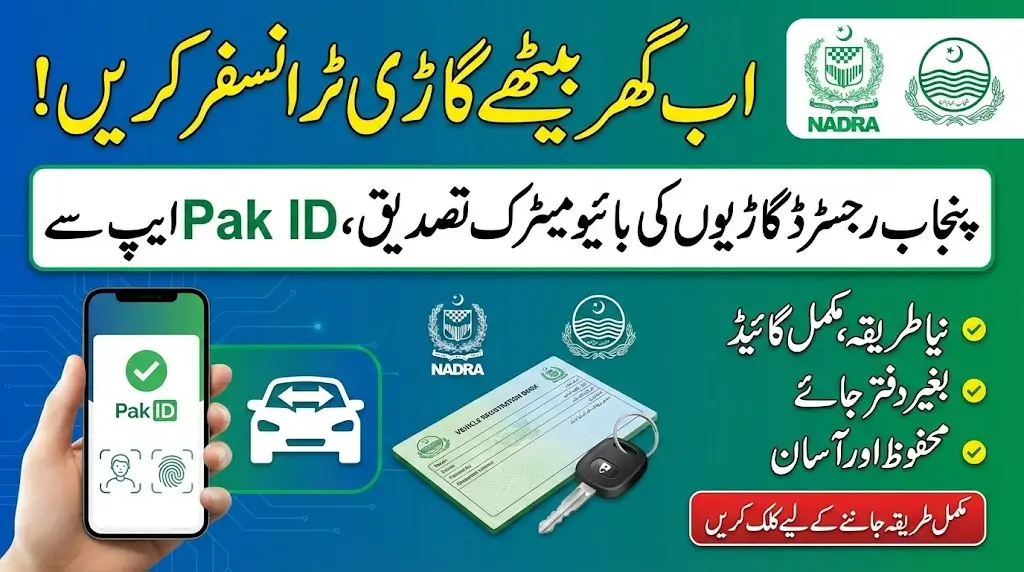
Complete Guide to Vehicle Transfer via Pak ID App
Complete Guide to Vehicle Transfer via Pak ID App: The Government of Pakistan has taken another important step toward digital public services. Under the initiative of NADRA’s Excise Taxation and Anti-Narcotics Control Department, in collaboration with the Punjab Government, the Biometric Verification for Punjab Registered Vehicles facility has been launched on the Pak ID mobile application.
This new digital system makes the vehicle ownership transfer process secure, transparent, and convenient. Now, buyers and sellers of Punjab-registered vehicles can complete biometric verification through their mobile phones without unnecessary visits or paperwork.
This article provides a complete, step-by-step guide to help you understand and use the Biometric Verification for Punjab Registered Vehicles service easily.
What is Biometric Verification for Punjab Registered Vehicles?
Biometric Verification for Punjab Registered Vehicles is a digital facility available on the Pak ID mobile app. It allows sellers and buyers to verify their identity through facial recognition and fingerprints while transferring ownership of a Punjab-registered vehicle.
This system ensures:
- Secure identity verification
- Safe ownership transfer
- Reduced fraud
- Faster processing
- Transparent digital record
Where to Access the Service
To start the process:
- Open the Pak ID mobile app.
- Click on Apply Digital Cards.
- Select the Vehicle option.
A list of all vehicles registered in your name will appear on the screen.
Also read: Rs 1500 Prize Bond Draw 105 Results 2026 – Check First, Second & Third Prize Winners
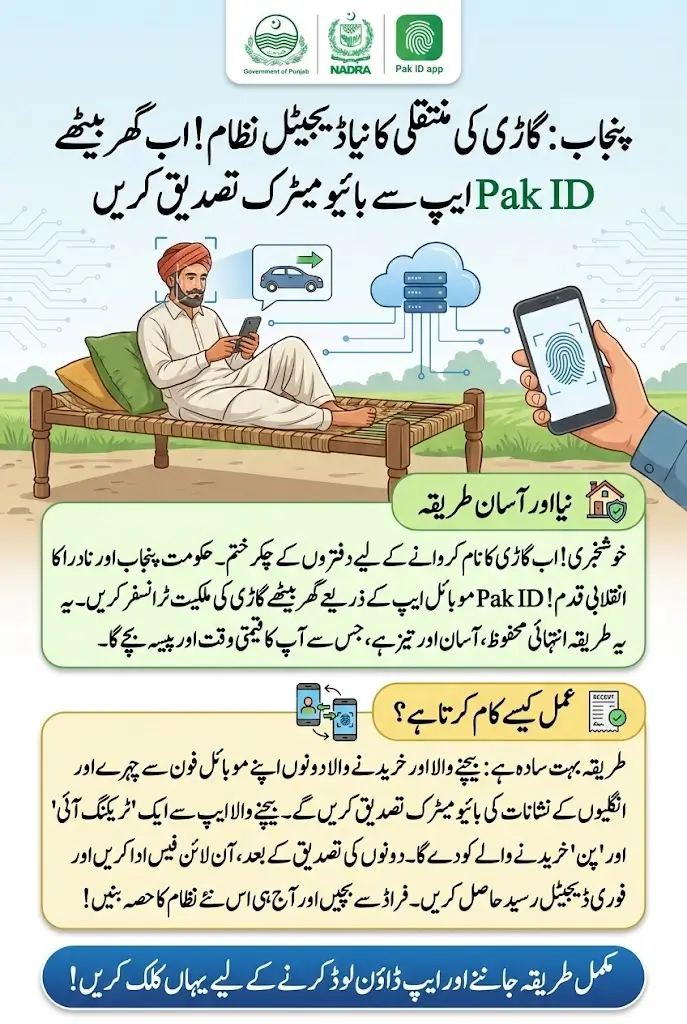
Step-by-Step Process for the Seller
1. Select the Vehicle
- Click on the Transfer Now button for the Punjab-registered vehicle you want to transfer.
2. Complete Facial Verification
To proceed with Biometric Verification for Punjab Registered Vehicles:
- Click on Verify Application Facial.
- Select either the front or back camera.
- Take your photo in a bright environment.
- Use a white background.
- Do not wear glasses.
- Keep a proper distance so your face is clearly visible.
- Stay completely still until the circle border turns fully green.
Once the green circle appears, the photo capture process is complete.
Also read: BISP 8171 Program Dynamic Survey Online Registration 2026
3. Edit or Adjust the Photo (If Needed)
After capturing your photo, you will see several options:
- Default Option – If no changes are needed.
- Custom Resize or Crop Photo – Adjust image manually.
- 3×4 Size Option – Automatically set the photo to 3×4 size.
- Rotate Photo – Straighten the image if required.
- Edit Photo – Adjust brightness and contrast.
After making changes (if needed), click the tick mark to save.
Then click Save, and press Next.
4. Fingerprint Verification
- Click on Verify Applicant Fingerprints.
- Follow the instructions provided in the app.
- Complete fingerprint verification carefully.
This step is essential for successful Biometric Verification for Punjab Registered Vehicles.
5. Enter Buyer Details
When the application details screen appears:
- Enter the CNIC number of the purchaser.
- Select Executive in the application processing category.
- The system will display the fee amount.
- Click Submit Application.
6. Share Tracking ID and PIN
After submission:
- A Tracking ID and PIN code will appear in the application section on your home screen.
- Share this Tracking ID and PIN with the buyer.
Step-by-Step Process for the Buyer
1. Log into Pak ID App
The buyer must:
- Open the Pak ID app.
- Go to Government Services.
- Select Vehicle Transfer.
2. Enter Tracking Details
- Enter the Tracking ID and PIN code provided by the seller.
- Click on Get Details.
- Vehicle details will appear on the screen.
- Carefully check the information.
3. Complete Biometric Verification
The buyer must now:
- Complete facial verification.
- Complete fingerprint verification.
- Click Done.
Once completed, the seller’s application status will automatically update.
Also read: Petroleum Products Price Increase Before Ramadan: Government Raises Petrol and Diesel Prices
Application Approval and Fee Payment
1. Approval Notification
When the application is approved:
- The seller will see the updated status on the home screen.
- A Pay Now option will appear next to the application ID.
2. Payment Methods
You can pay the transfer fee through:
- e-Sahulat
- Jazz Cash
- Easy Paisa
- Debit Card
- Credit Card
Choose your preferred method and complete the payment.
For a detailed payment procedure, you can also watch the official video on the NADRA YouTube channel.
Downloading the Biometric Receipt
After successful payment:
- Go to ID Vault in the app.
- Download the biometric receipt.
The receipt will be saved in:
My Documents → Vehicle Transfer Subfolder
This receipt serves as proof of successful Biometric Verification for Punjab Registered Vehicles.
Also read: BISP Lahore 8171 Payment Update May 2025: Schedule, Method & How to Collect Your Installment
Benefits of Biometric Verification for Punjab Registered Vehicles
This digital system offers many advantages:
✔ Secure and verified ownership transfer
✔ Protection against fraud
✔ Transparent process
✔ Time-saving digital service
✔ Easy tracking of application status
✔ Digital receipt storage
It reflects the government’s commitment to improving digital public services in Punjab.
Final Thoughts
The launch of Biometric Verification for Punjab Registered Vehicles through the Pak ID mobile app is a major step toward digital transformation. It makes vehicle ownership transfer easier, safer, and more transparent for both buyers and sellers.
By following the step-by-step procedure explained above, you can complete your vehicle transfer smoothly without confusion.
If you are planning to buy or sell a Punjab-registered vehicle, using this biometric verification system is now the safest and most convenient way to complete the process.