
Marital Status in NADRA After Marriage
Once you get married, updating your marital status with NADRA is an important step that many people overlook. Not only does it keep your official record accurate, but it’s also required for various legal and financial processes down the line, including passport renewal, family registration, and inheritance matters.
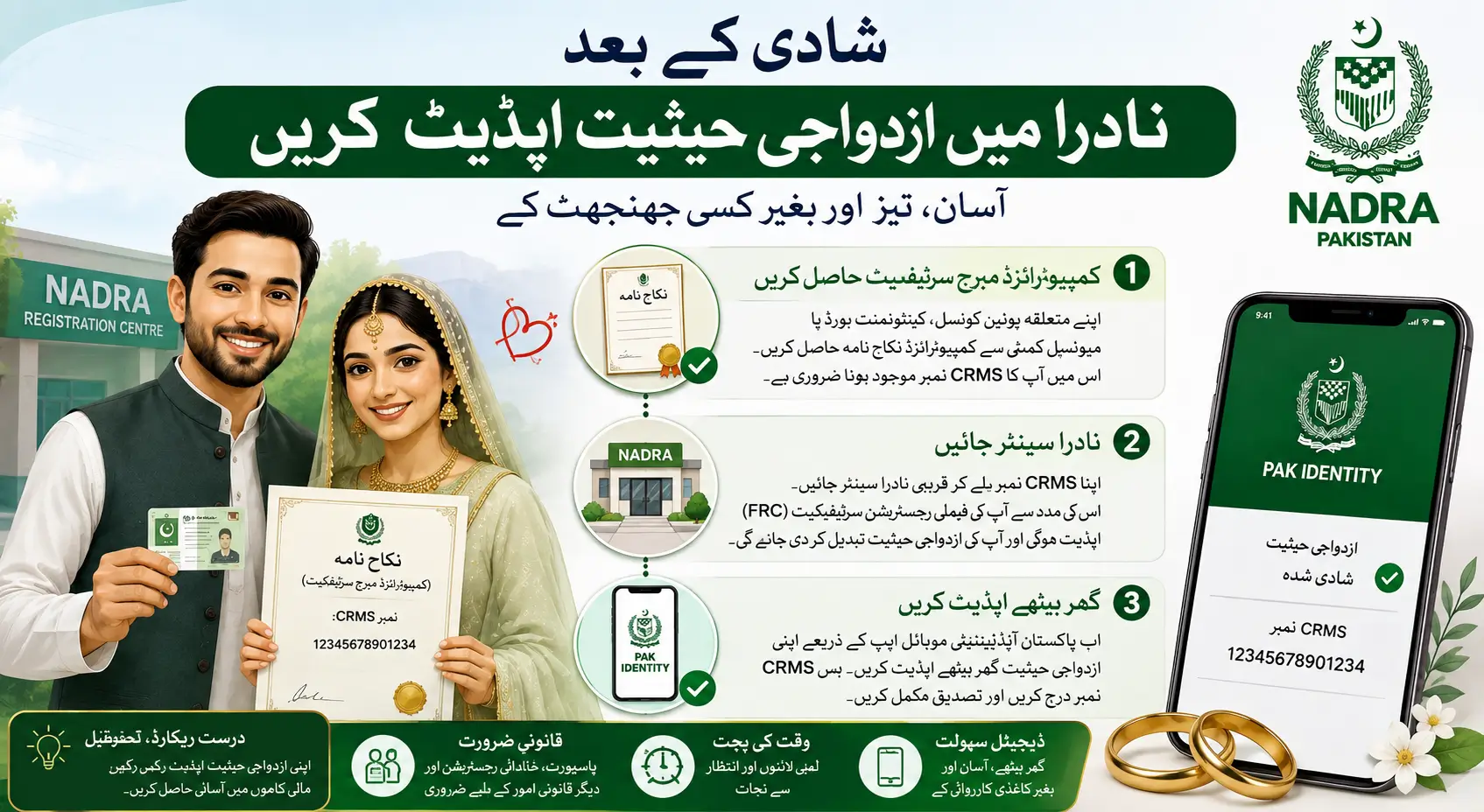
Step 1: Get Your Computerised Marriage Certificate
Before approaching NADRA, you first need a computerised Nikah Nama or marriage certificate. This document is issued by your relevant local body, which could be your Union Council, Cantonment Board, or Municipal Committee, depending on where your marriage was registered. Make sure the certificate includes your CRMS (Civil Registration Management System) number, as this will be needed for the next step.
Step 2: Visit a NADRA Centre
With your CRMS number in hand, head to your nearest NADRA registration centre. The staff will use this number to pull up your marriage record and update your family registration certificate (FRC) accordingly, reflecting your new marital status on your CNIC and related documents.
ALSO READ
Google For Startups Launched AI Academy In Pakistan
Step 3: Skip the Office Visit Entirely
If standing in line isn’t your thing, NADRA now offers a digital shortcut. Through the Pak Identity mobile app, you can update your marital status directly from your phone, without visiting any centre at all. Simply log in, locate the marital status update option, and submit your CRMS number for verification.
This makes the entire process quicker, paperless, and far more convenient than it used to be.